 Operion Journal
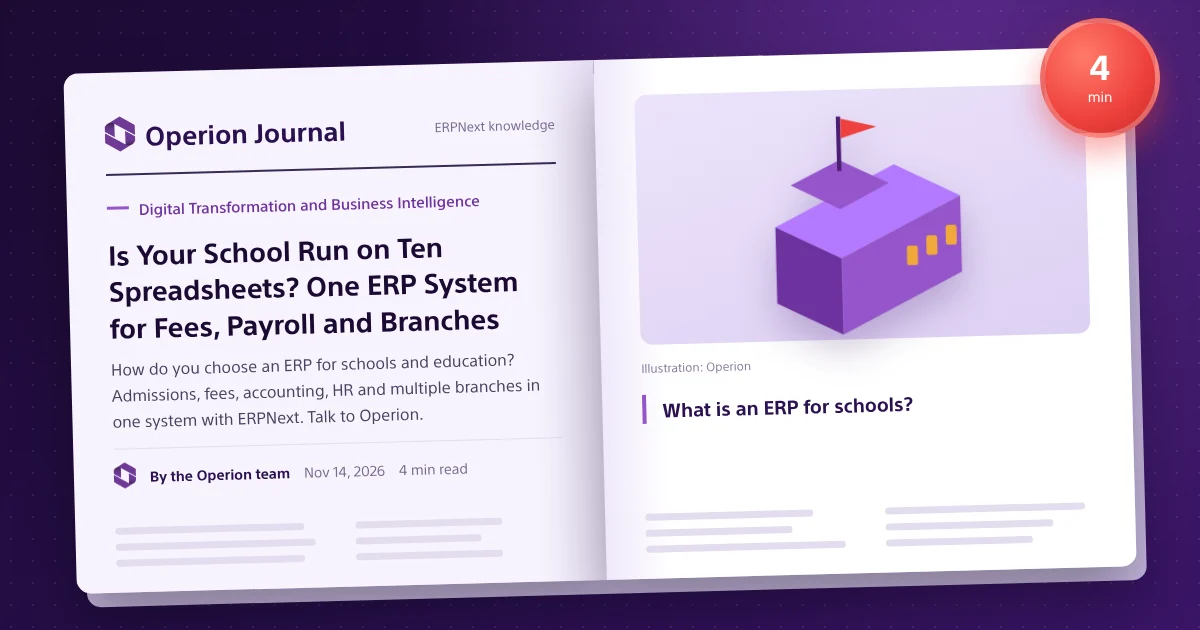
A school today runs like a full company: admissions, tuition fees and instalments, accounts and suppliers, payroll for teachers and staff, stores for books and uniforms, and sometimes buses and activities. When these live in spreadsheets and separate programs, time goes into reconciling numbers instead of teaching. A school ERP brings academic, financial and administrative data onto one platform.
What is an ERP for schools?
An enterprise resource planning (ERP) system for schools links student administration with accounting, HR and purchasing in a single database. Unlike a classic student information system, every academic action shows up in the books: enrolling a student creates the fee schedule, a paid instalment is posted to cash or bank, and collection reports update in real time.
Problems an ERP solves for schools
- Late fee collection and hard-to-track overdue instalments per student and parent.
- Student data entered twice, once in student affairs and once in accounts.
- No single view of performance across branches.
- Manual payroll, leave and attendance for teachers and staff.
- Purchasing and stores (books, uniforms, supplies) disconnected from the budget.
Key ERP modules for education
Admissions and student records
Receive applications, track their status, and keep one record per student with guardian, stage and class details and a full history.
Fees, instalments and collection
Define fee structures by stage and branch, split them into instalments, issue invoices and reminders automatically, follow up arrears, and post everything to accounting.
HR and payroll
Staff records, attendance, leave and payroll with allowances and deductions, using Frappe HR connected to the accounts.
Purchasing and stores
Purchase requests, suppliers and stock of books, uniforms and supplies, with spending tracked per branch or department.
Reports and dashboards
Collection, arrears and revenue by stage and branch, cost per student, and dashboards for senior management.
Multi-branch schools: what you need
With several branches, a school needs multiple companies or branches in one database, permissions that keep each branch's data separate, and consolidated reports for head office. ERPNext covers this with multi-company, cost centres and role-based permissions.
| Criterion | Separate student software | Integrated ERP |
|---|---|---|
| Fees to accounts | Manual or file exports | Automatic on enrolment and payment |
| Multiple branches | Often one copy per branch | One database, consolidated reports |
| HR and payroll | Another program | Part of the same platform |
| Management reports | Compiled by hand | Ready dashboards |
Why ERPNext for schools?
- Open source with no per-user licence fees, so adding users does not add licence cost.
- A full Arabic interface with right-to-left support.
- Fee structures and reports can be tailored to each school's rules.
- Companion apps such as Frappe Learning for courses and learning content.
See ERPNext for education for the scenarios we implement for schools and training centres.
A day in a school running an integrated ERP
Admissions are recorded in the system; accepted students get a profile linked to the right fee plan with instalments, due dates and approved sibling or merit discounts. Monthly, the system issues instalment demands, sends reminders and posts collections immediately, so finance knows what was collected and what is overdue by stage and branch. Teacher payroll, attendance and leave, books and uniforms stock, and building and bus maintenance run in the same system.
KPIs and common mistakes
- Track collection per instalment, receivable ageing, cost per student, payroll-to-revenue and remaining books and uniforms.
- Avoid migrating uncleaned student data, over-complex fee plans, untrained branch finance staff and starting mid-year.
Steps to implement ERP in your school
- Map current processes: admissions, fees, accounts, payroll and stores.
- Define branches, stages, fee structures and discount or scholarship rules.
- Configure the system and migrate students and opening balances.
- Train administrators and accountants on their own data.
- Pilot one term or one branch, then roll out.
Our implementation methodology explains each stage in detail.
Frequently asked questions
Can one system run several school branches?
Yes. ERPNext supports multiple companies, branches and cost centres in one database, with permissions per branch and consolidated reports.
Are tuition fees linked to accounting automatically?
Yes. Invoices, payments and guardian balances post to the accounts directly, with no double entry.
Does it support Arabic?
Yes. The interface, reports and print formats are available in Arabic with full right-to-left support.
How long does a school ERP implementation take?
It depends on branches, processes and data volume, and is set after a needs-analysis session. You can request a demo to start.
Can several school branches run in one system?
Yes, with a company or branch per school, separate permissions and consolidated reports.