 Operion Journal
Imagine knowing right now, from your desk, which customers were visited today, what each rep sold, how much was collected in cash and cheques, and what is left on every van. In many distributors these numbers only appear at the end of the day, or days later, when paper invoices are keyed into accounts. A field sales system changes that: what happens in the field shows up in the system as it happens.
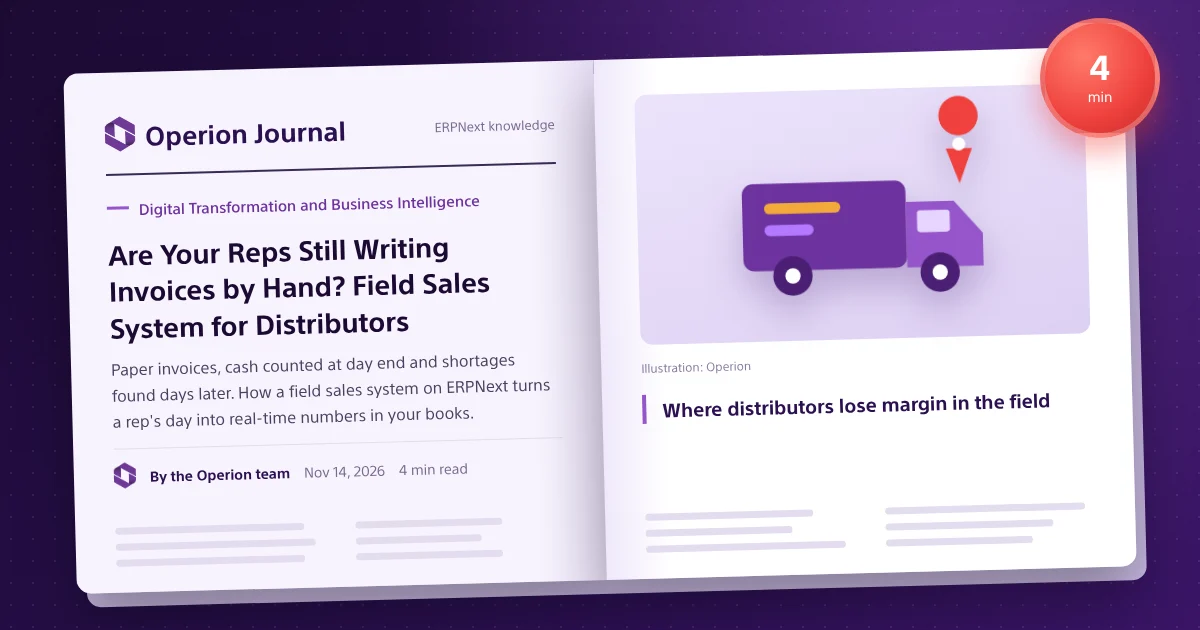
Where distributors lose margin in the field
- Handwritten invoices and discounts the rep decides on his own.
- Cash and cheques counted at day end, so shortages surface late.
- Apps that stop on weak signal, sending reps back to paper.
- Van stock unknown until settlement.
- Management only sees visits and sales after manual entry.
What a field sales system should do
Routes and verified visits
Defined routes per rep and visits logged with location and time, so supervisors see what actually happened.
An invoice printed on the spot, and the same one in your books
The rep sells from the catalogue at approved prices and promotions and prints the invoice, which is the very invoice recorded in ERPNext accounting.
Works offline
The whole day runs without a connection; transactions sync later without duplicates.
Collection and custody under control
Every cash or cheque collection goes to the rep's custody account, and the day's settlement is approved by the treasury, so any gap shows on time.
Van stock and load requests
Real-time stock per van linked to ERPNext stock, with structured load requests from the warehouse.
Supervisor and management view
Live numbers, approvals from mobile, and targets and incentives per rep.
| Daily situation | Without a field system | With an integrated field system |
|---|---|---|
| Invoice | Paper book and calculator | Printed invoice with promotions, posted to accounts |
| Custody | Counted at day end | Custody account per rep, settled daily |
| Network | Stops on weak signal | Works offline, syncs later |
| Management | Numbers after manual entry | Live numbers and mobile approvals |
Smart Rack: field sales on ERPNext 16
Operion built Smart Rack for distributors: one mobile app for every field role, from van and order reps to merchandisers, drivers and supervisors, on Android and iOS, with management workspaces in ERPNext that validate every transaction before turning it into an invoice, receipt or approved entry.
For the full wholesale picture see ERPNext for trading and distribution, and for online wholesale orders Smart Gate.
Types of field selling
| Type | How it works | System needs |
|---|---|---|
| Van sales | Rep carries stock, sells and delivers | Van stock, printed invoice, collection, daily settlement |
| Pre-sales | Order now, deliver later | Sales order, reservation, delivery scheduling |
| Delivery | Driver delivers confirmed orders | Proof of delivery, cash on delivery |
| Merchandising | Shelf and promotion checks | Surveys, photos, visit reports |
Daily settlement, targets and KPIs
At day end, cash, cheques and remaining stock are matched with what the system recorded, so gaps surface the same day and settlement takes minutes. Reps who see targets, achievement and ranking on their phones move differently; incentives can include collection, visits, new items and active customers. Track visit completion, average invoice per visit, collection rate, settlement gaps and customers not visited recently.
How to start
- Map your field roles and current routes.
- Review price lists, promotions and credit policy.
- Prepare customer, item and van stock data.
- Pilot one route, then roll out to the team.
Frequently asked questions
Does the app work offline?
Yes. The whole day runs offline and transactions sync without duplicates when a connection is available.
Is the printed invoice the same one in the books?
Yes. The invoice the rep prints is the one recorded in ERPNext.
Does it handle cheque collection?
Yes. Cash and cheques go to the rep's custody and are settled daily through the treasury.
Does it run on iOS and Android?
Yes, on both, with management workspaces in ERPNext.