 Operion Journal
Sales has one number, the warehouse another, and accounts waits for month end to find the truth. Purchasing orders an item that is already sitting in another warehouse, and a simple customer profitability report takes a week because the data lives in five files. If that sounds familiar, you already know the problem ERP systems were built to solve.
This guide explains what an ERP system is in plain language: how it works, its modules, what it really adds, the drawbacks the ads leave out, its types, how to tell your company needs one, and how to choose and implement it well.
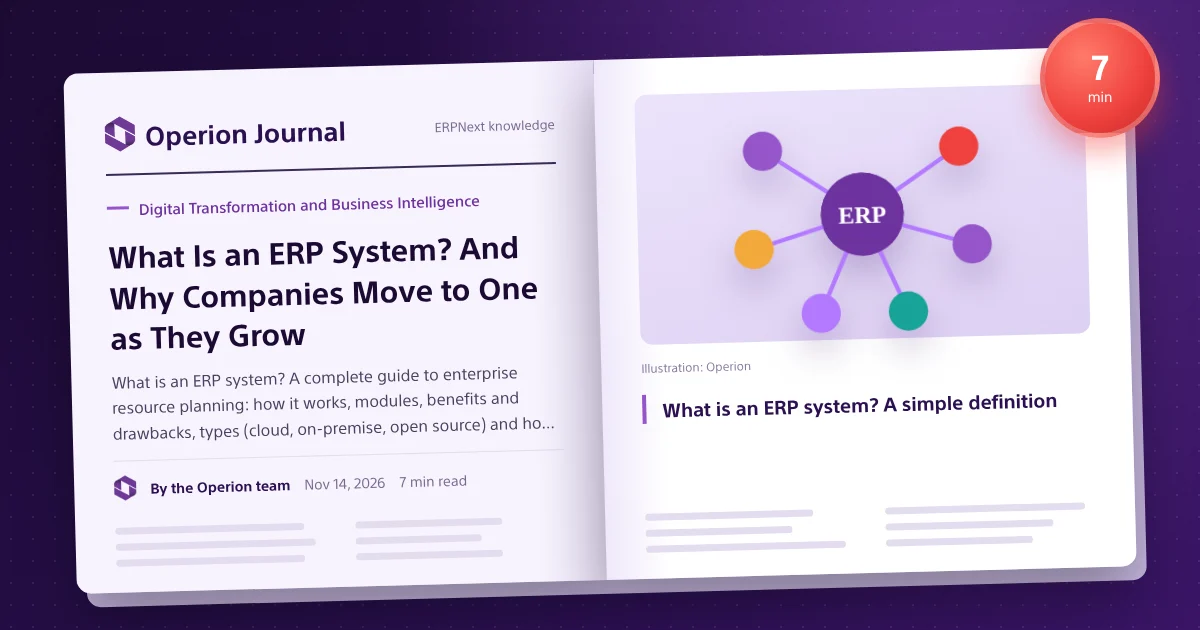
What is an ERP system? A simple definition
ERP stands for enterprise resource planning: a system that brings a company's core processes into one platform and one database: accounting, sales, purchasing, stock, manufacturing, HR, projects and customer service.
The key is not the number of modules but that they share the same data. Instead of every department keeping its own copy of customers, items and prices, everyone sees the same data as it happens, and a change in one department flows to the others without re-keying.
An ERP is not just accounting software; it is how a company's departments talk to each other through one set of data.
Where ERP came from
It started in factories in the 1960s with material requirements planning (MRP), which calculated the materials a production line needed. It grew into manufacturing resource planning (MRP II), adding capacity and labour, and in the early 1990s the term ERP appeared for systems linking manufacturing with finance, sales and HR.
With the internet and cloud computing, ERP stopped being exclusive to large enterprises. Browser-based cloud systems and open-source systems such as ERPNext now give small and mid-sized companies the same capabilities without licence fees.
How an ERP works in practice
The easiest way to understand ERP is to follow one process end to end, such as a sale in a distribution company:
- A sales rep creates a quotation at approved prices.
- Once accepted it becomes a sales order, and the system checks the customer's credit limit.
- Stock is reserved, so the warehouse sees the order and prepares it.
- A delivery note reduces stock and posts the cost of goods sold automatically.
- The invoice is created from the delivery note without retyping, posting revenue and the receivable.
- The receipt reduces the customer's balance and updates the bank or cash account.
- Sales, margin and ageing reports update at the same moment.
Data was entered once and then moved between departments. This single source of truth is the core difference between an ERP and a set of separate tools.
Core ERP modules
Accounting and finance
Chart of accounts, journal entries, receivables, payables, banking, cost centres, budgets and financial statements; the heart every other module feeds. See ERPNext accounting.
Sales and customers
Leads, quotations, sales orders, price lists, promotions, invoices and collection. See selling.
Purchasing
Material requests, supplier quotations, purchase orders, receipts and invoice matching. See buying.
Stock and warehouses
Warehouses, receipts, issues and transfers, stock counts, valuation, batches and serial numbers, reorder levels. See stock.
Manufacturing
Bills of materials, work orders, workstations, production plans and product costing. See manufacturing.
HR and payroll
Employees, attendance, leave, payroll, advances and appraisals, provided in ERPNext by HR built on Frappe HR.
Projects
Tasks, timelines, timesheets, project cost and revenue. See projects.
Assets, quality and support
Fixed asset register, depreciation and maintenance, quality procedures, and support tickets with service level agreements.
Benefits of an ERP
- One real-time view: cash, slow stock and customer profitability answered by live dashboards, not manual reports.
- Fewer errors: documents move between stages instead of being retyped.
- Tighter stock and cash: actual balances and reorder levels reduce both dead stock and shortages.
- Faster close: entries come from operational documents, so month end becomes review and approval.
- Control: permissions, approvals and an audit trail for every change.
- Room to grow: a new branch, warehouse, company or currency is a setting, not a new project.
ERP drawbacks and challenges
- Implementation cost: even open-source systems need analysis, setup, migration and training. Phase it by priority.
- Time: good implementations take weeks to months. Keep each phase's scope tight.
- Resistance to change: people used to spreadsheets may see the system as a burden. Involve key users early and train on real workflows.
- Over-customisation: copying old habits makes upgrades hard. Start standard and customise only what differentiates you.
- Data quality: clean data before migration, not after.
Types of ERP
| Type | How it runs | Fits |
|---|---|---|
| Cloud (SaaS or managed hosting) | On the provider's servers, used from the browser | Most SMEs wanting a fast start and less infrastructure |
| On-premise | Installed on company servers and run by its team | Companies with data-location needs or an IT team |
| Hybrid | Part cloud, part local | Companies in transition or with mixed connectivity |
Licensing also differs: proprietary systems charge licence or per-user fees (SAP, Oracle, Microsoft Dynamics), while open-source systems such as ERPNext have no licence fees and you pay for implementation, hosting and support. See open-source ERP and cloud vs on-premise ERP.
ERP vs accounting software vs CRM
| Criterion | Accounting software | CRM | ERP |
|---|---|---|---|
| Scope | Finance only | Customers and sales | All core processes |
| Stock and manufacturing | Limited or none | None | Integrated |
| Data source | Manual entry or import | Sales only | One database for every department |
| Fits | Very small companies | Sales teams | Growing, multi-department companies |
When does your company need an ERP?
- Reconciling numbers between departments takes too long.
- You do not know actual stock or margin per item and customer.
- Monthly reports arrive late and decisions rest on estimates.
- You are adding branches, warehouses or companies.
- Tax and e-invoicing rules are hard to handle manually.
- Work depends on specific people because knowledge lives in their heads.
How to choose the right ERP
- Start from your processes, not a feature list.
- Check coverage for your industry and local tax rules.
- Work out five-year total cost: licences, implementation, hosting, support, upgrades.
- Test usability in Arabic on your real scenarios.
- Ask about customisation and integrations.
- Choose the implementer carefully; the ERP Implementer Compass helps compare.
ERP implementation phases
- Analysis
- Design and configuration
- Data migration
- Testing
- Training
- Go-live and support
Our implementation methodology details each phase.
Well-known ERP systems
SAP, Oracle, Microsoft Dynamics 365, Odoo, NetSuite and ERPNext are among the best known. See ERPNext vs Odoo and ERPNext vs SAP Business One.
What ERP looks like in different industries
Manufacturing: a production plan built from sales orders and stock, shortages turned into purchase requests, work orders tracked on workstations and actual cost per product, so managers know each product's margin. See ERPNext for manufacturing.
Trading and distribution: price lists per customer group, credit limits that stop over-limit sales, transfers between warehouses and branches, and margin per item, rep and region. See ERPNext for distribution.
Services and contracting: every contract or project has a budget, tasks, timesheets, purchases and progress billing, so profitability shows during the work, not after. See ERPNext for construction.
Education and non-profits: fees, instalments, donations and grants linked to accounts and cost centres, so each programme's or branch's cost is clear to the board and regulators.
What makes up ERP cost?
| Item | Includes | Note |
|---|---|---|
| Licences or subscriptions | Fees per user or per company | None for open-source systems such as ERPNext |
| Implementation | Analysis, setup, customisation, testing | Depends on scope and modules |
| Data migration | Cleaning, moving and reconciling data | Lower when data is organised |
| Training | End users and key users | Drives real adoption |
| Hosting | Cloud or on-premise servers and upkeep | Managed cloud or your servers |
| Support | Support, upgrades and improvements | Defined in an SLA |
See the ERPNext cost guide for details.
Common mistakes when choosing an ERP
- Choosing from a generic demo instead of your own scenarios.
- Comparing licence price only and ignoring years of implementation and support.
- Letting one department decide, so the system fits accounting but not the warehouse.
- Postponing data clean-up until after go-live.
- No executive sponsor to settle cross-department disputes.
Where ERP is heading
ERP is becoming more open and automated: APIs for online stores, banks and mobile apps, live dashboards and AI assistants that summarise data and suggest actions. The rule stays the same: AI cannot fix disorganised data; clear processes and unified data come first.
What is ERPNext?
ERPNext is Frappe's fully open-source ERP, covering the modules above with a full Arabic interface, running in the cloud or on your servers, with no per-user licence fees and no lock-in to one vendor. Certified implementers such as Operion deploy and tailor it in Egypt and Saudi Arabia. Start with a free demo on your scenarios.
Frequently asked questions
What does ERP stand for?
Enterprise resource planning: a system that brings a company's processes into one database.
How is ERP different from accounting software?
Accounting covers finance; ERP links finance to sales, stock, purchasing, production and HR.
Is ERP suitable for small businesses?
Yes, especially cloud and open-source systems without per-user fees, implemented in phases.
How long does implementation take?
It depends on size, modules and data quality, usually weeks to months, set after analysis.
What are the best-known ERP systems?
SAP, Oracle, Microsoft Dynamics, Odoo, NetSuite and ERPNext; the right one depends on size, activity and budget.
Can ERP run on mobile?
Yes. Modern systems run in the mobile browser, and ERPNext adds apps such as Smart Go.