 Operion Journal
The same scene repeats in selection meetings: IT prefers an in-house server "because the data stays with us", finance prefers cloud "because it is cheaper", and the CEO wants a decision today. Both sides usually compare the wrong things: a server price against a monthly subscription, while the real decision goes much deeper.
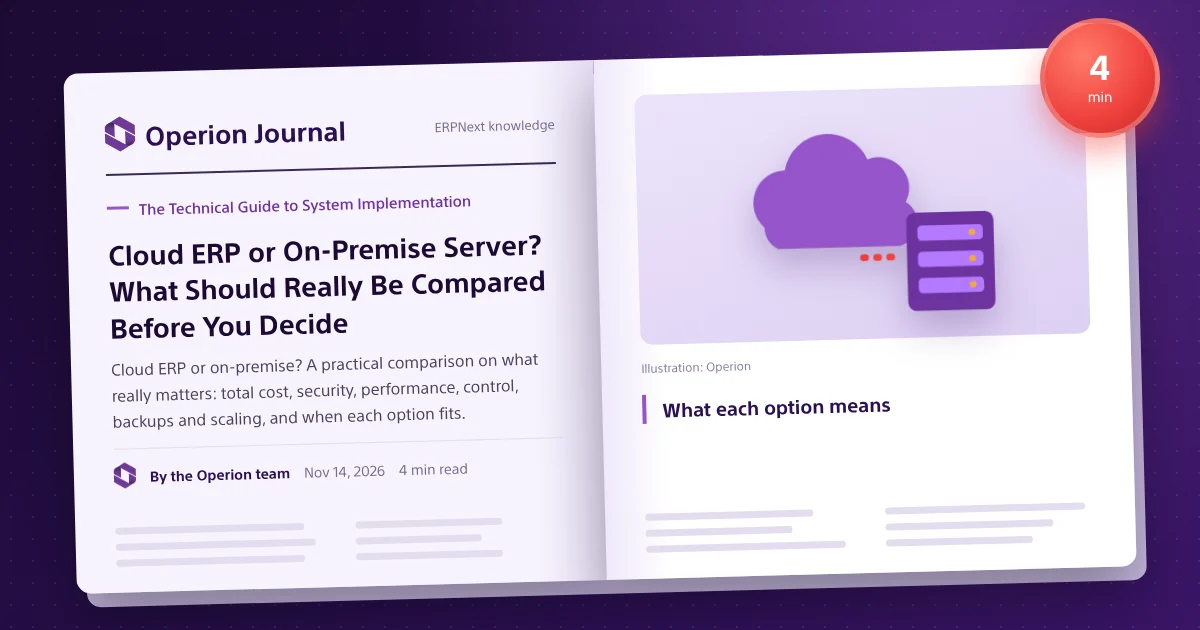
What each option means
Cloud ERP runs on a provider's servers in a data centre and is used from the browser or mobile. It can be shared SaaS, where the provider runs everything, or managed hosting, where your company gets its own environment run by a specialist while the system and data remain yours, as with ERPNext on Frappe Cloud. On-premise ERP runs on servers the company owns, run by its own team or a support provider; remote access needs extra network setup. Hybrid mixes both, useful in transitions but more complex.
The common mistake
Comparing a server's purchase price with one year of subscription ignores half the cost: power and cooling, backup power, space, any operating-system or database licences, off-site backups, network security, IT staff time and, above all, the cost of downtime on a closing day. Cloud can look expensive when per-user pricing meets a large team. The right comparison is five-year total cost of ownership, including risk.
What to compare
| Item | Cloud | On-premise |
|---|---|---|
| Hardware | Not needed | Buy and replace every few years |
| Power, cooling, operations | Included | Company's burden |
| Off-site backup | Usually included | Extra solution needed |
| Security updates | Provider | Your team |
| IT staff | Less | Permanently needed |
| Downtime cost | Governed by SLA | Fully yours |
Security: depends on updates, firewalls, encryption, backups and monitoring; professional data centres often exceed a mid-sized company's server room, though some regulations require specific data locations. Performance: depends on resources, configuration and proximity; see performance questions before choosing hosting. Availability: a power or internet cut at head office stops every branch on-premise, but not in the cloud. Control: managed hosting of open-source ERPNext gives an isolated environment and full customisation. Scaling and data ownership: can you export everything and move provider at will? With ERPNext you can, between cloud and on-premise, with a full backup.
When cloud fits
- No dedicated IT team.
- Branches and reps in several cities.
- A fast start.
- Predictable operating cost.
- Mobile and remote access daily.
When on-premise is right
- Regulatory or contractual data-location rules the available cloud cannot meet.
- Unstable internet at core sites.
- A strong IT team and an equipped data centre.
- Integrations with internal devices that must not face the internet.
Three common profiles
A distributor with branches in several cities usually fits managed cloud: every site connects directly, and head-office outages do not stop sales. A factory with unreliable internet may fit on-premise or hybrid, with off-site backups and a backup line. A small services firm with no IT team benefits from managed cloud, which moves server care to a specialist.
Moving from on-premise to cloud (or back)
- Assess database size, customisations and integrations.
- Size CPU, memory and storage for users and volume.
- Move a test copy and check performance, integrations and printing.
- Pick a window, such as a weekend after month end.
- Move the final copy, reconcile and redirect users.
- Monitor the first week closely.
Questions that decide it
- Who handles security updates and backups daily?
- What does a full day of downtime at month end cost?
- Where do users actually work?
- Are there legal data-location requirements?
- Can you switch later without re-implementing?
And ERPNext?
ERPNext does not force a choice: run it on managed cloud hosting such as Frappe Cloud, your own server or a private cloud server, and it remains yours. See also ERPNext on Frappe Cloud or request a demo.
Frequently asked questions
Which is cheaper?
It depends on five-year total cost including hardware, operations, IT staff and downtime, not price alone.
Is data safer on-premise?
Not necessarily; security depends on updates, encryption, monitoring and backups.
Can ERPNext move from cloud to on-premise?
Yes, it is open source and moves with a full backup.
Does cloud ERP work without internet?
It needs a connection, but an outage at one site does not stop other branches.
What is managed hosting?
An isolated cloud environment for your company, run by a specialist, with the system and data still yours.