 Operion Journal
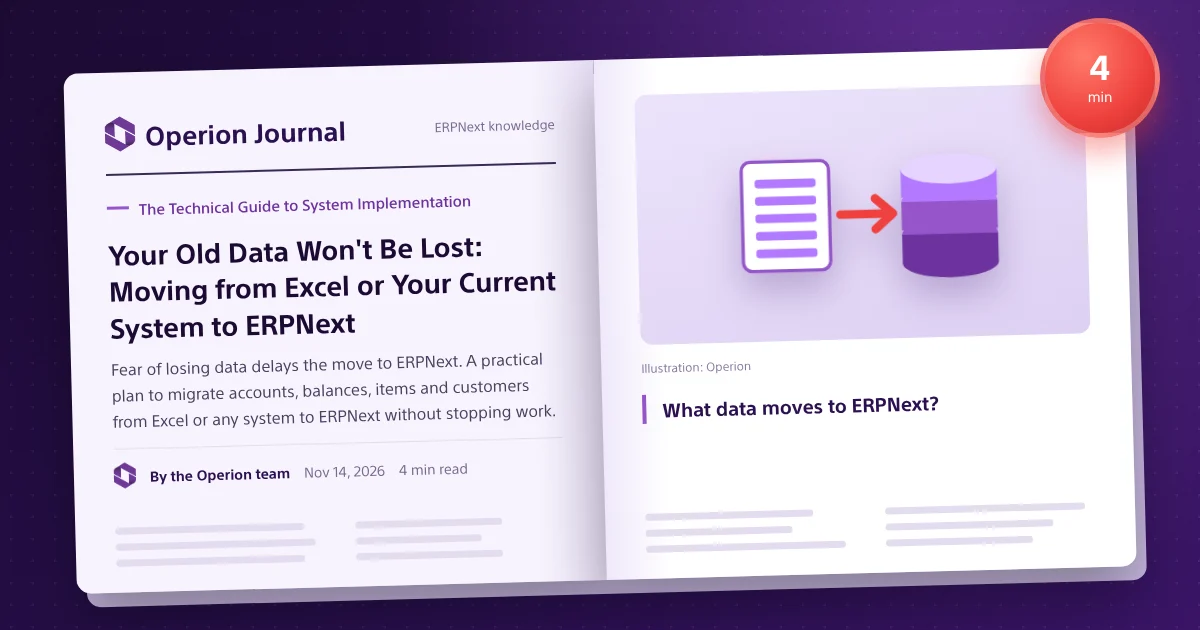
Years of invoices, balances, customers and items spread across spreadsheets and an old accounting system. That is why many companies delay moving to ERPNext even when convinced: "What if we lose data? What if work stops?" The good news is that a structured migration has clear steps, and most risks can be controlled before go-live.
What data moves to ERPNext?
| Type | Examples | Note |
|---|---|---|
| Master data | Chart of accounts, items, customers, suppliers | Cleaned and standardised first |
| Opening balances | Account, stock and receivable balances | Moved at a set cut-off date |
| Open documents | Unpaid invoices, open sales and purchase orders | Moved to finish their cycle in the new system |
| History | Previous years' transactions | Decided by real reporting needs |
The migration plan step by step
1. Inventory your data sources
List every spreadsheet and system, and name an owner for each type of data.
2. Clean and standardise
Remove duplicate customers and items, unify codes and units, and review the chart of accounts. This is the most important stage: the new system reflects the quality of what goes in.
3. Set the cut-off date
Pick the date for opening balances, usually the start of a month or quarter.
4. Trial import
ERPNext includes a data import tool for Excel and CSV files; import into a test copy first and review the results.
5. Reconcile
Compare the trial balance, stock and receivables in ERPNext with the old system at the cut-off date.
6. Parallel run or direct cut-over
Depending on size and risk, run both systems briefly or switch directly once reconciliation is signed off.
7. Training and post-go-live support
Train each team on its actual workflow, with close support in the first weeks.
Common mistakes to avoid
- Moving data as-is without cleaning.
- Moving all history with no real need.
- Ignoring open documents at cut-off.
- Going live before finance signs off reconciliation.
- Skipping user training.
Where companies usually come from
Spreadsheets, accounting systems such as QuickBooks (see ERPNext vs QuickBooks), or other ERPs such as Odoo (see ERPNext vs Odoo). The principle is the same: clean, move, reconcile.
Migration order
- Company, currencies, fiscal year, cost centres.
- Chart of accounts.
- Item groups, units, then items.
- Warehouses.
- Customer and supplier groups, then parties.
- Employees if in scope.
- Opening balances: accounts, stock, then receivables and payables with open invoices.
- Open orders.
Reconciliation checklist
| Item | Check |
|---|---|
| Trial balance | Every account at cut-off |
| Stock value | Quantity and value per warehouse |
| Customer balances | Balance and open invoices |
| Supplier balances | Per supplier |
| Bank and cash | Against statements and counts |
History and users
Move opening balances and open documents, keep the old system read-only or archive key reports, or move monthly summaries if trends are needed. Each department owns, cleans and approves its data, which builds trust and reduces resistance to change.
How Operion handles the move
Data migration is a core part of Operion's implementation methodology and is planned from the analysis stage. You can request a demo on your own data to see your company in ERPNext before deciding.
Frequently asked questions
Can I move data from Excel to ERPNext?
Yes. ERPNext has a data import tool for Excel and CSV files, once the data is cleaned and standardised.
Do I need to move all historical data?
Not always. Opening balances and open documents are usually enough; history depends on reporting needs.
Does work stop during the move?
With good planning and a clear cut-off date, you can move without stopping work.
How long does migration take?
It depends on data volume, quality and the number of sources, and is set in the project plan after analysis.